Listen Together
Create or join online or same-Wi-Fi rooms, manage join requests, synchronize shared playback and chat with participants.
Discover music, keep your local collection close, follow synchronized lyrics and listen together. Quantune brings different ways of listening into one customizable Android player.
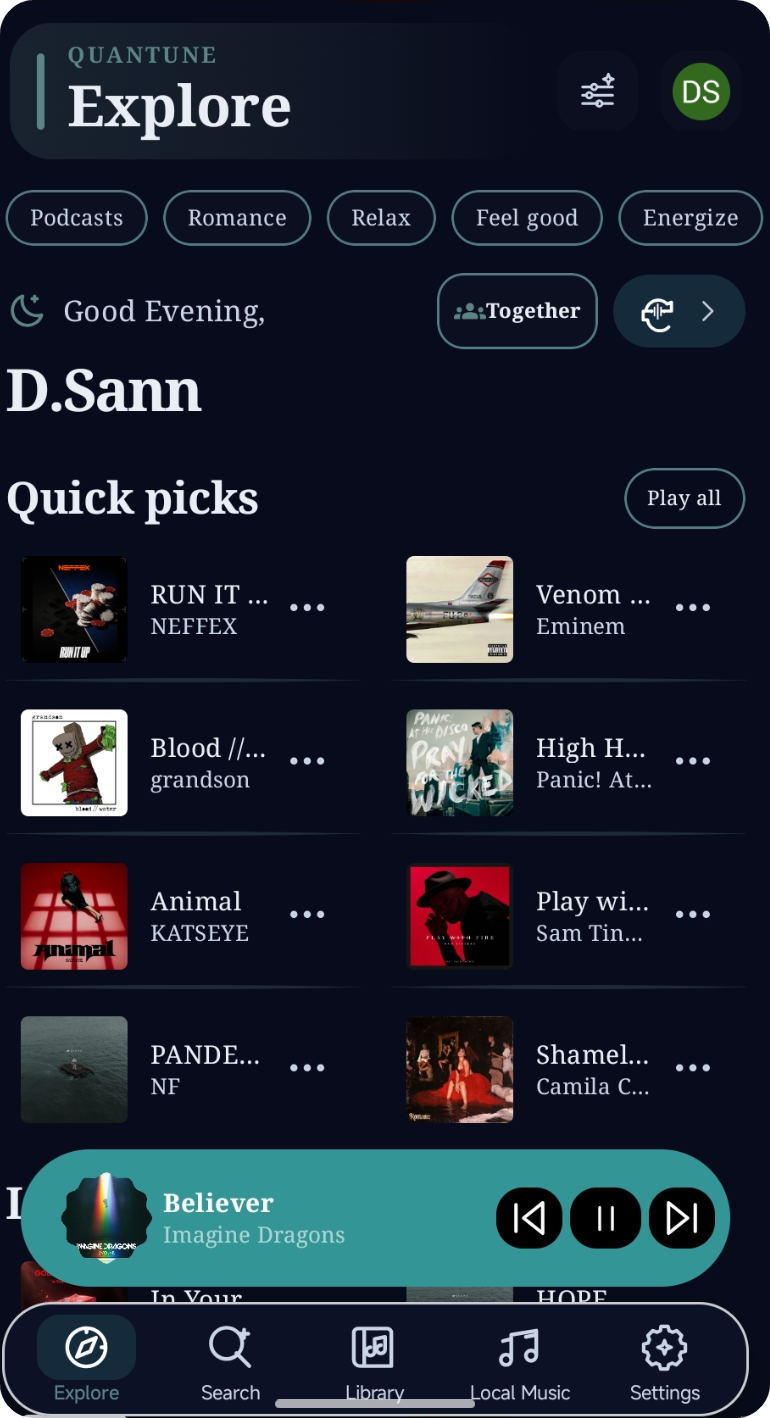
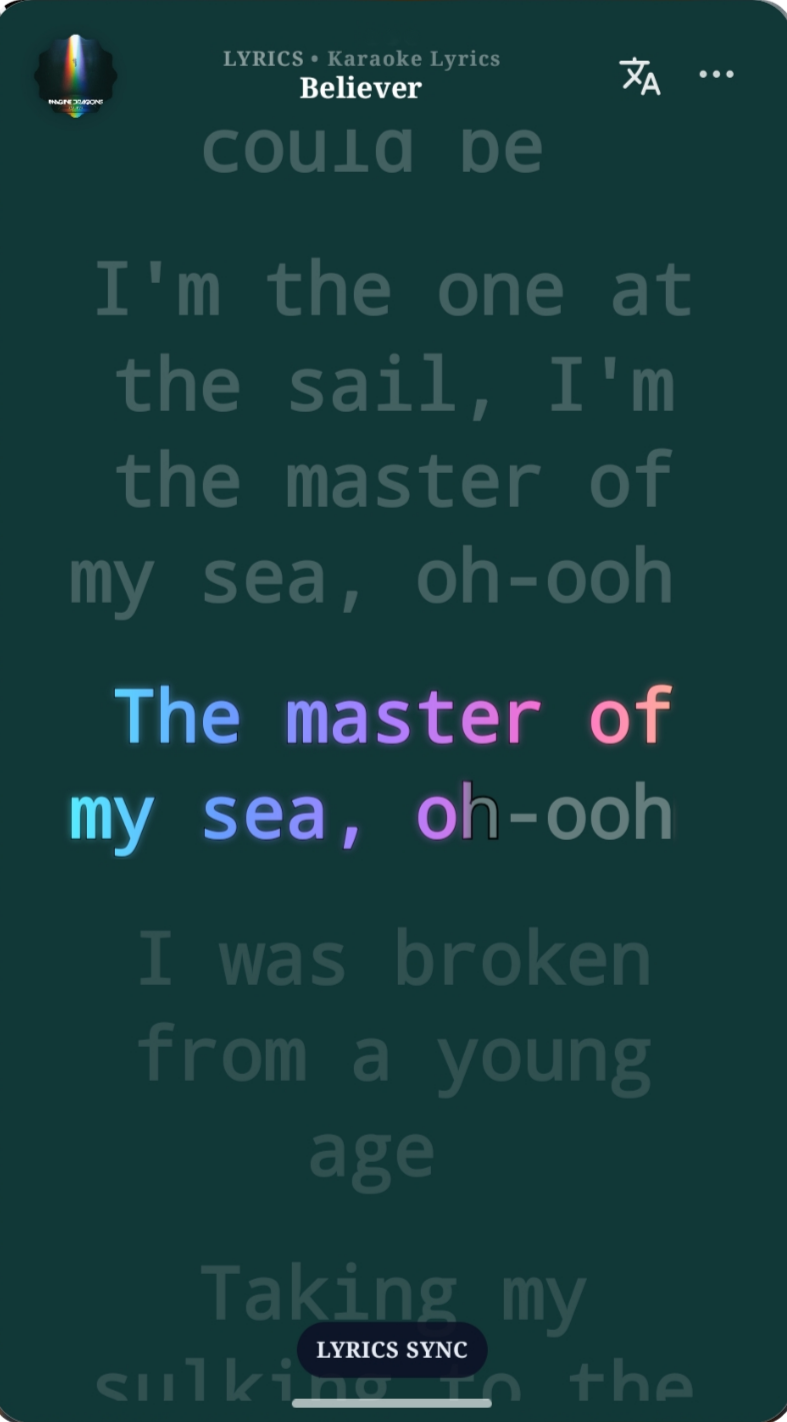
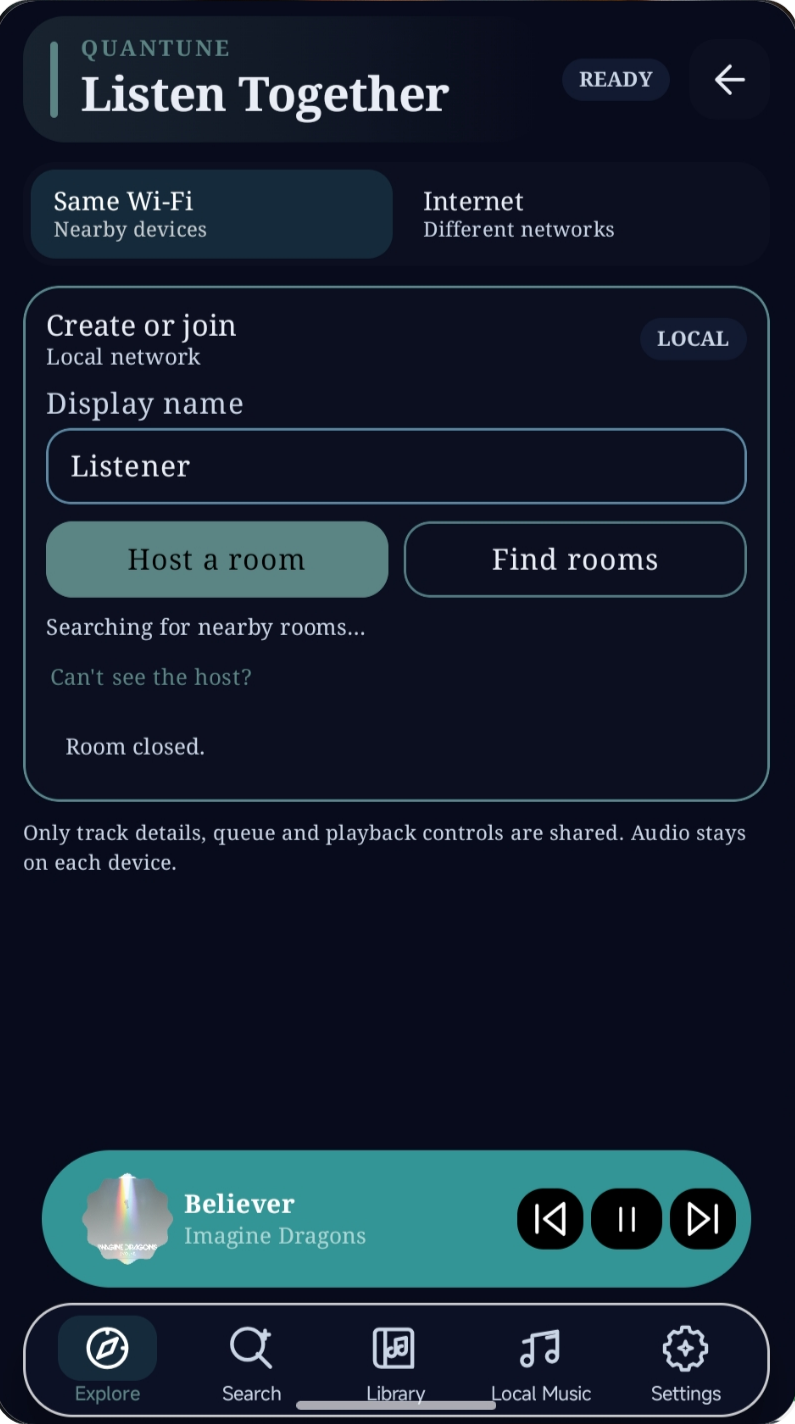
Move between discovery, your own collection, synchronized lyrics and shared sessions without leaving your listening flow.
Create or join online or same-Wi-Fi rooms, manage join requests, synchronize shared playback and chat with participants.
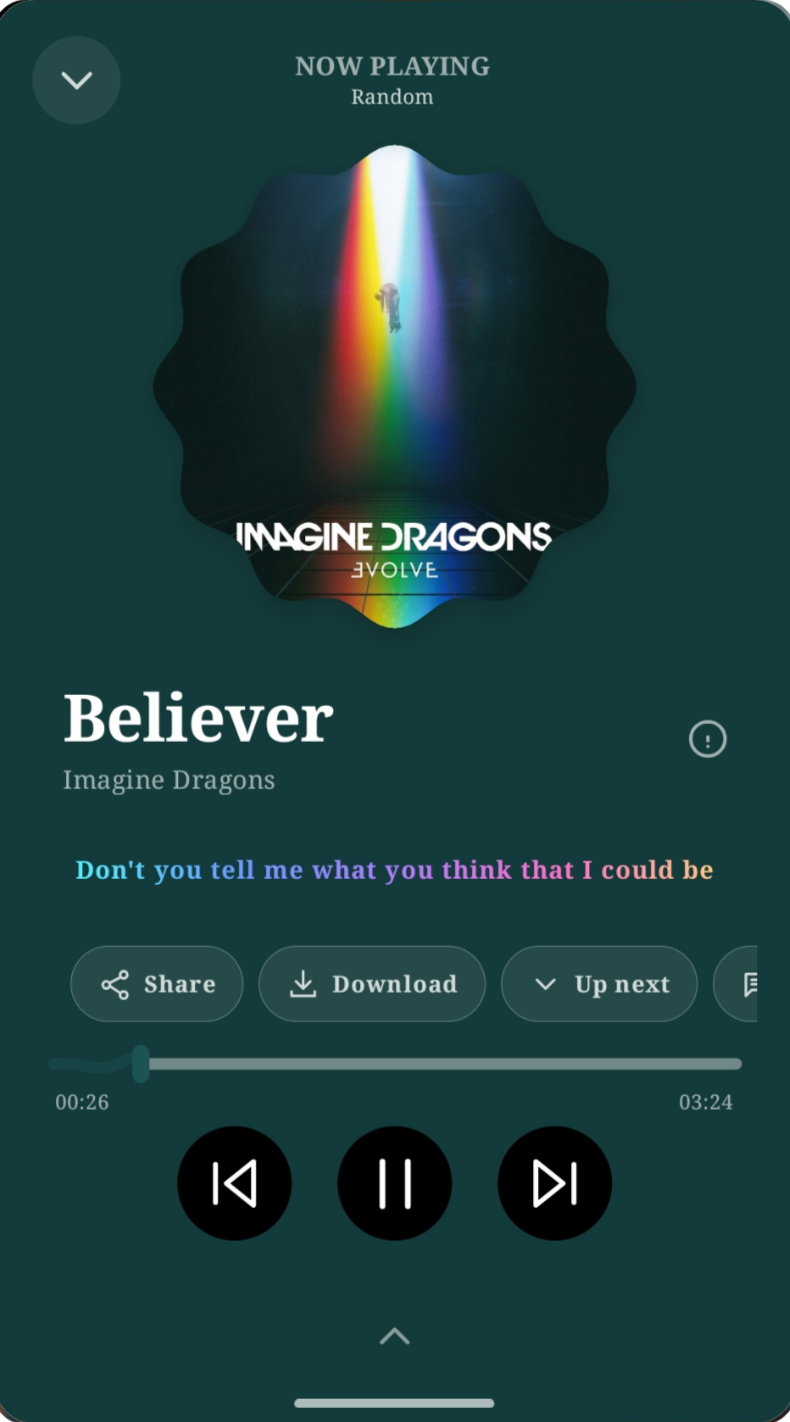
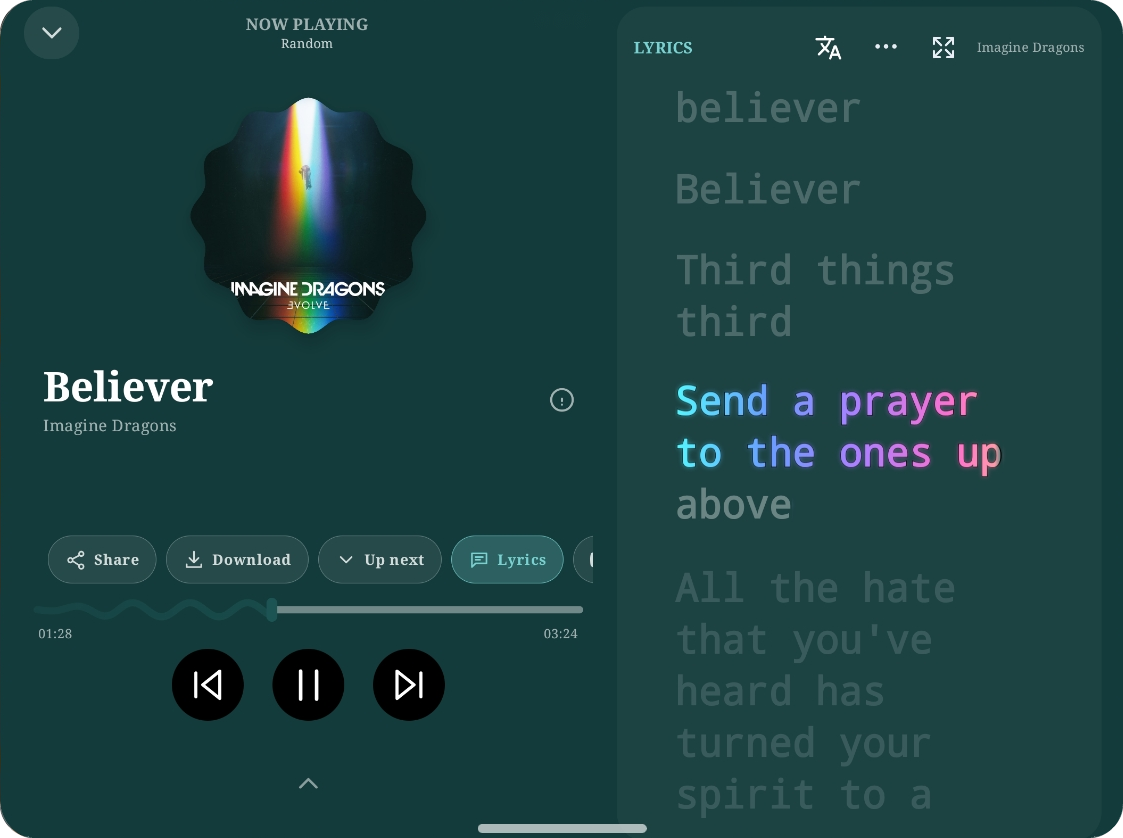
Read line-synchronized lyrics or word-timed karaoke, with timing and presentation controls.
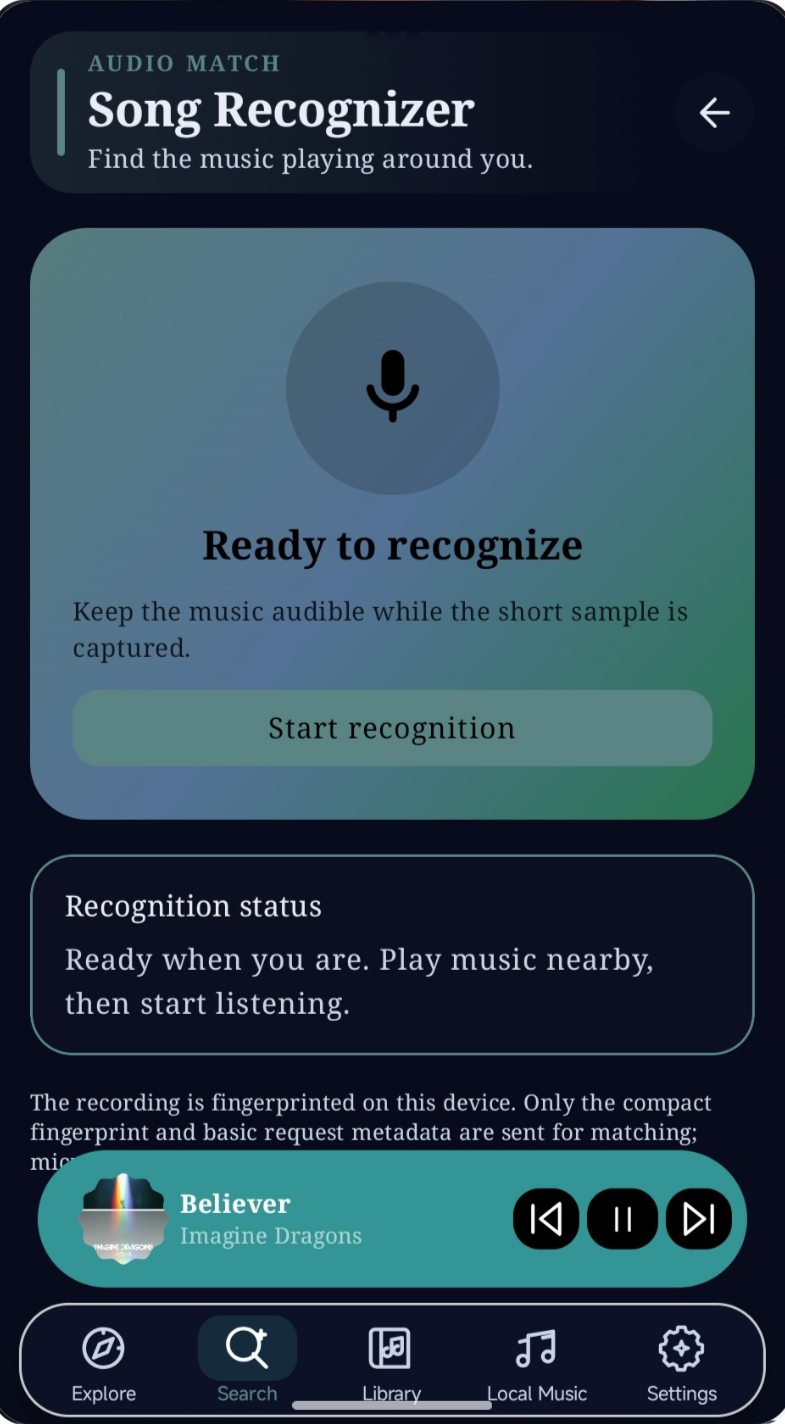
Use audio-fingerprint matching to identify nearby music and try to open a playable match.
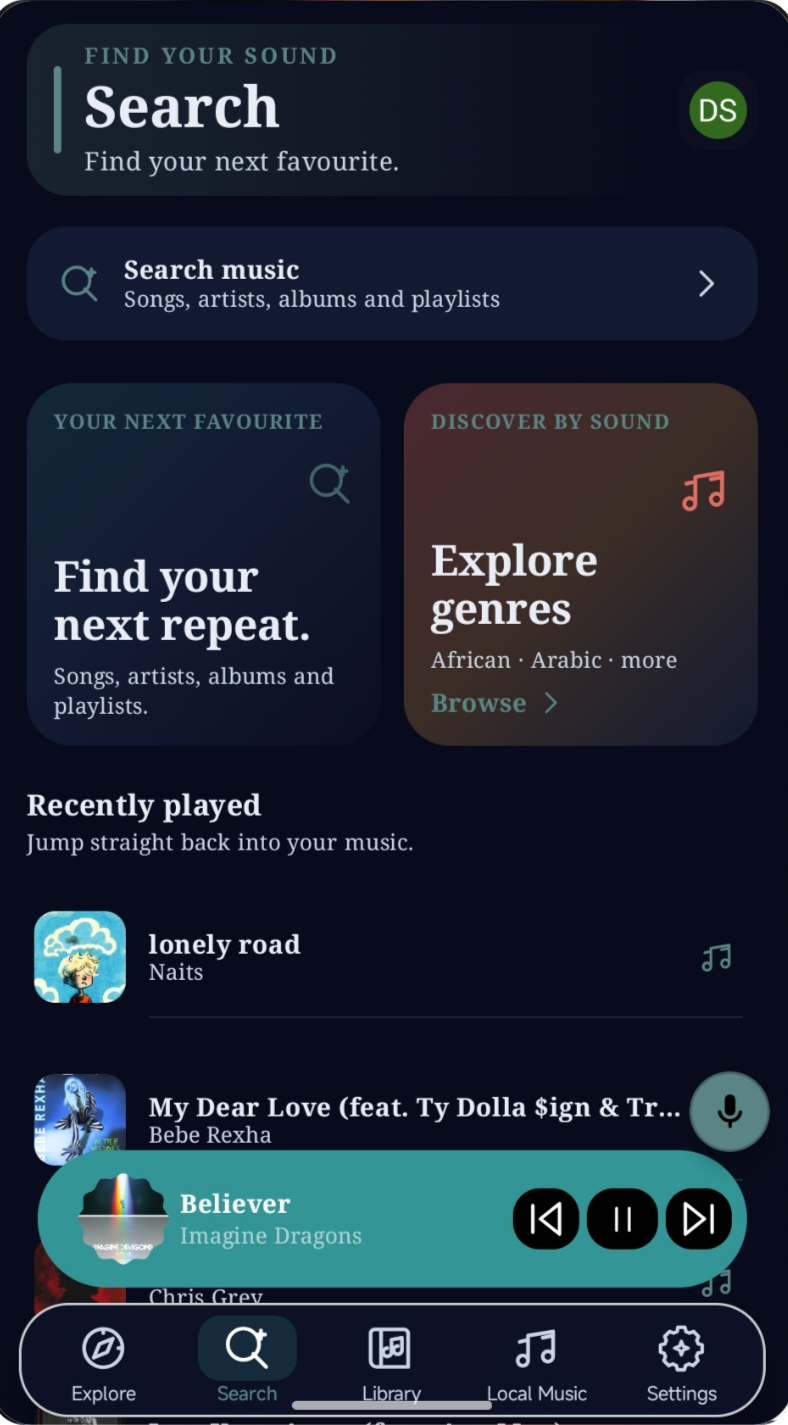
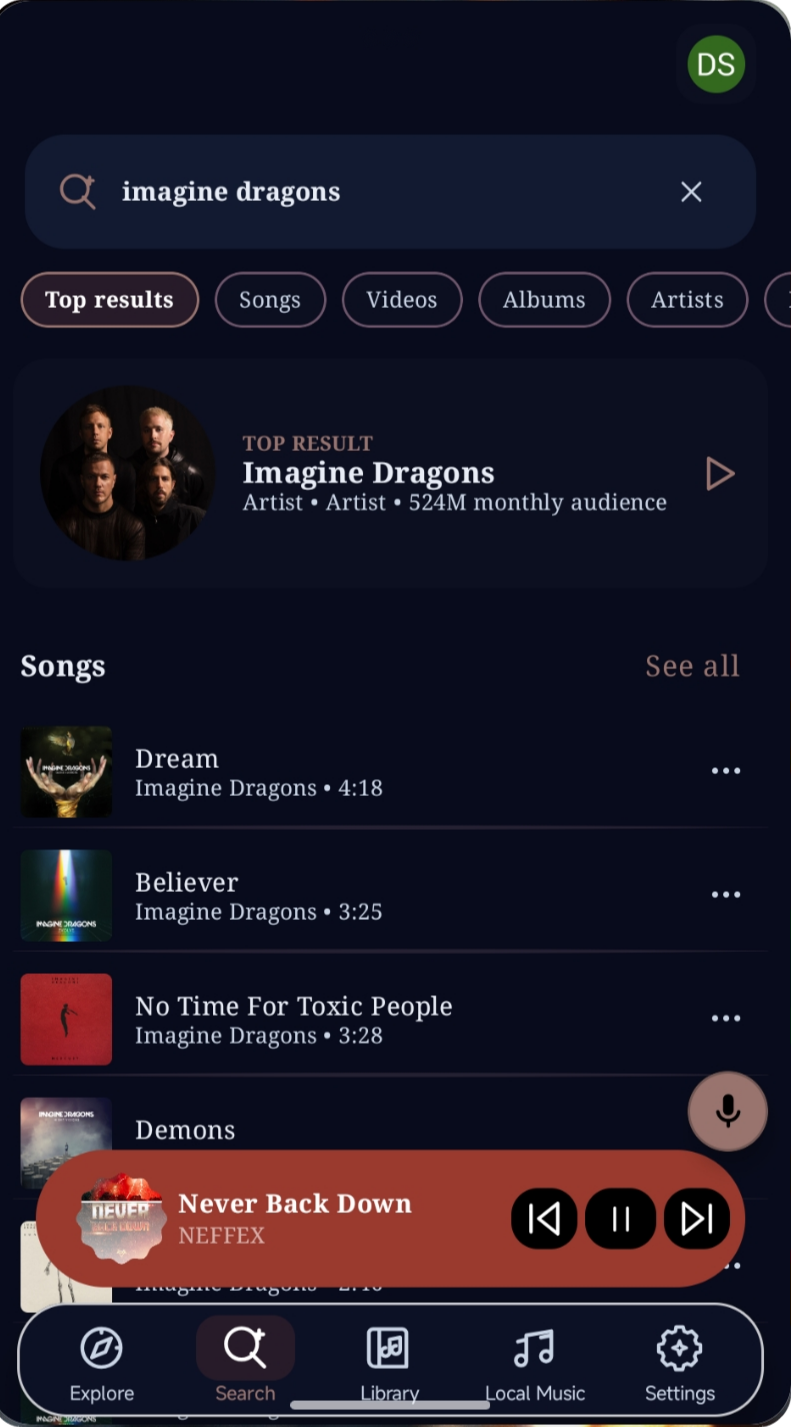
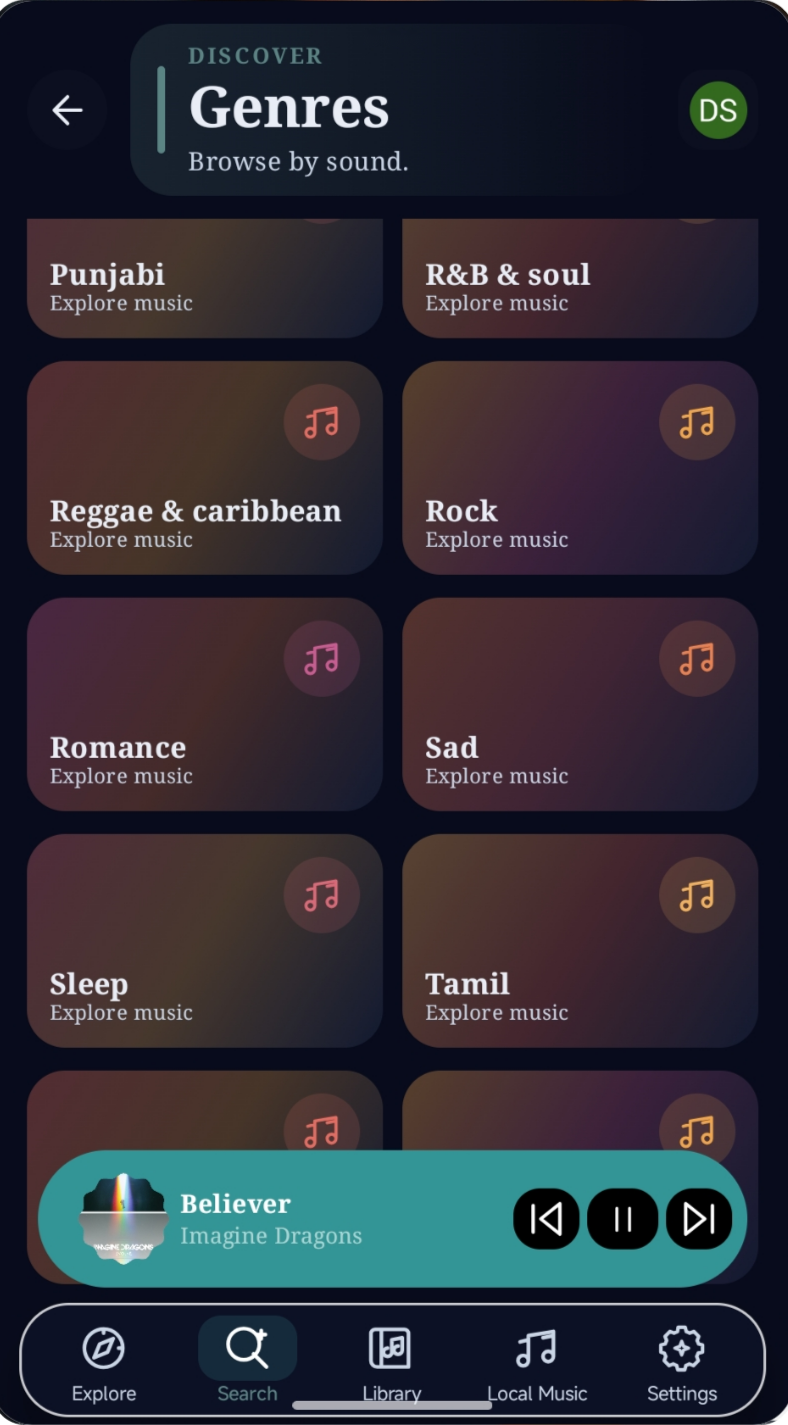
Explore the online catalogue, search for tracks and artists, and browse music by genre.
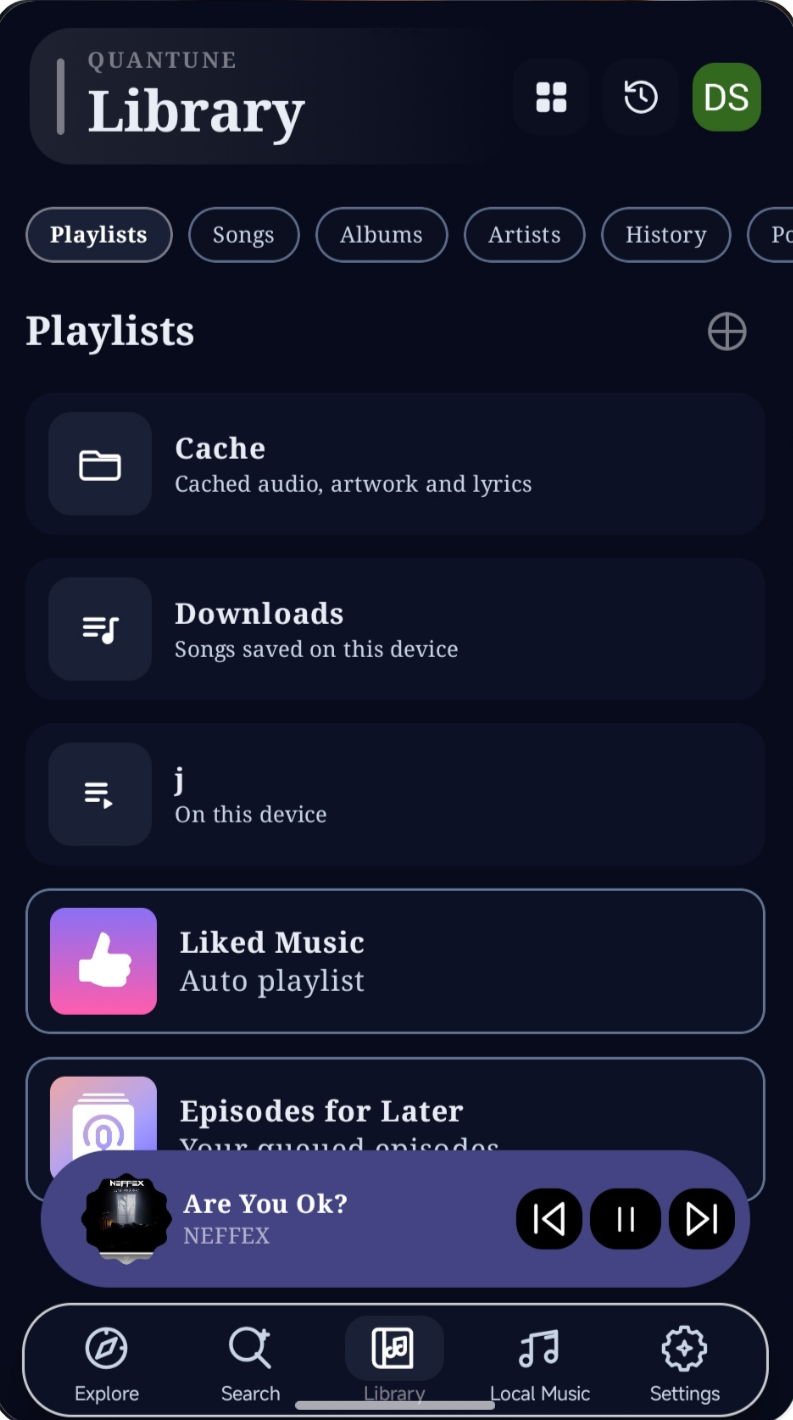
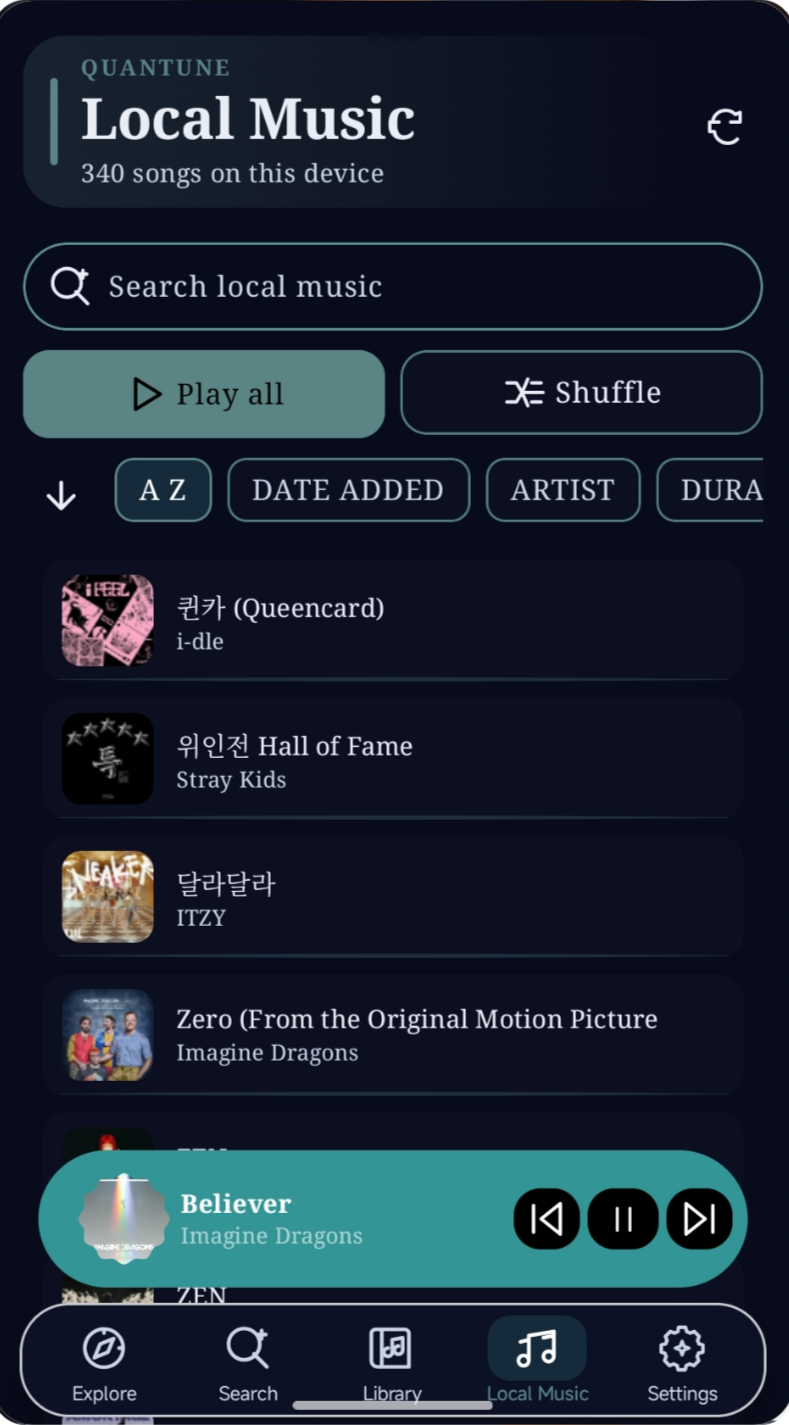
Keep local tracks, playlists, favourites and listening history alongside supported cached music.
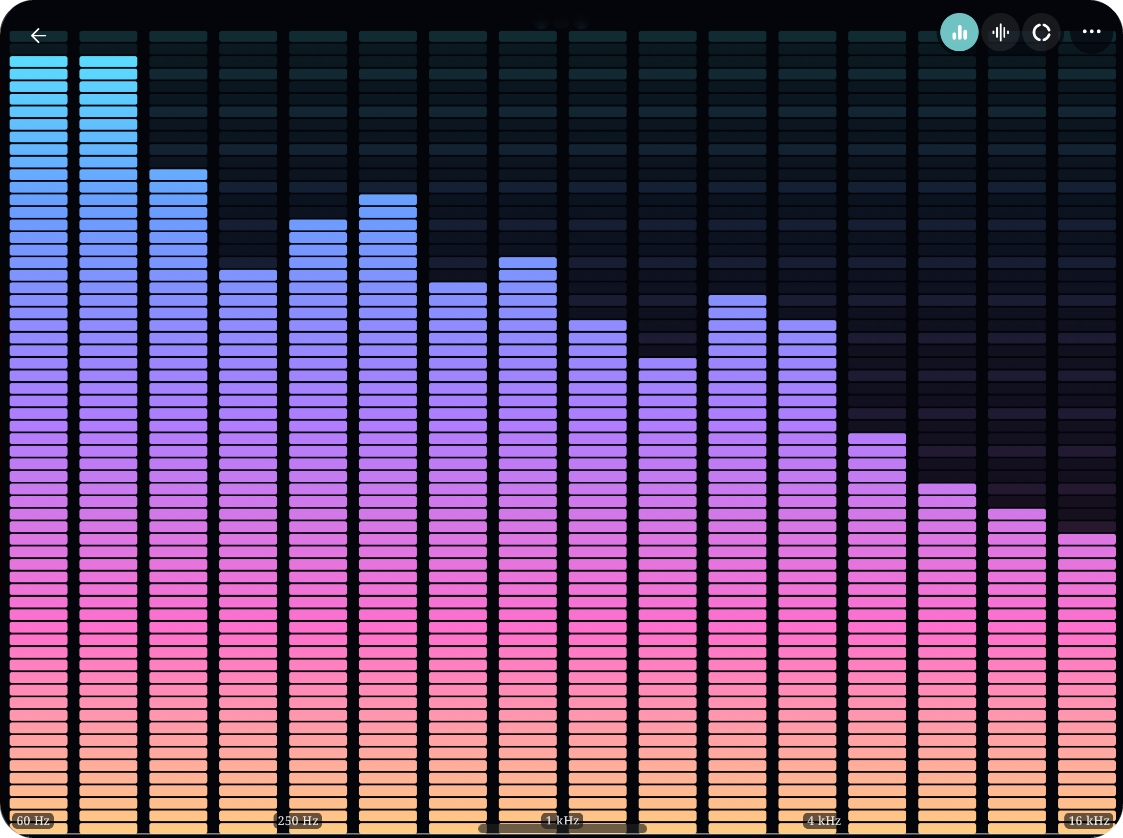
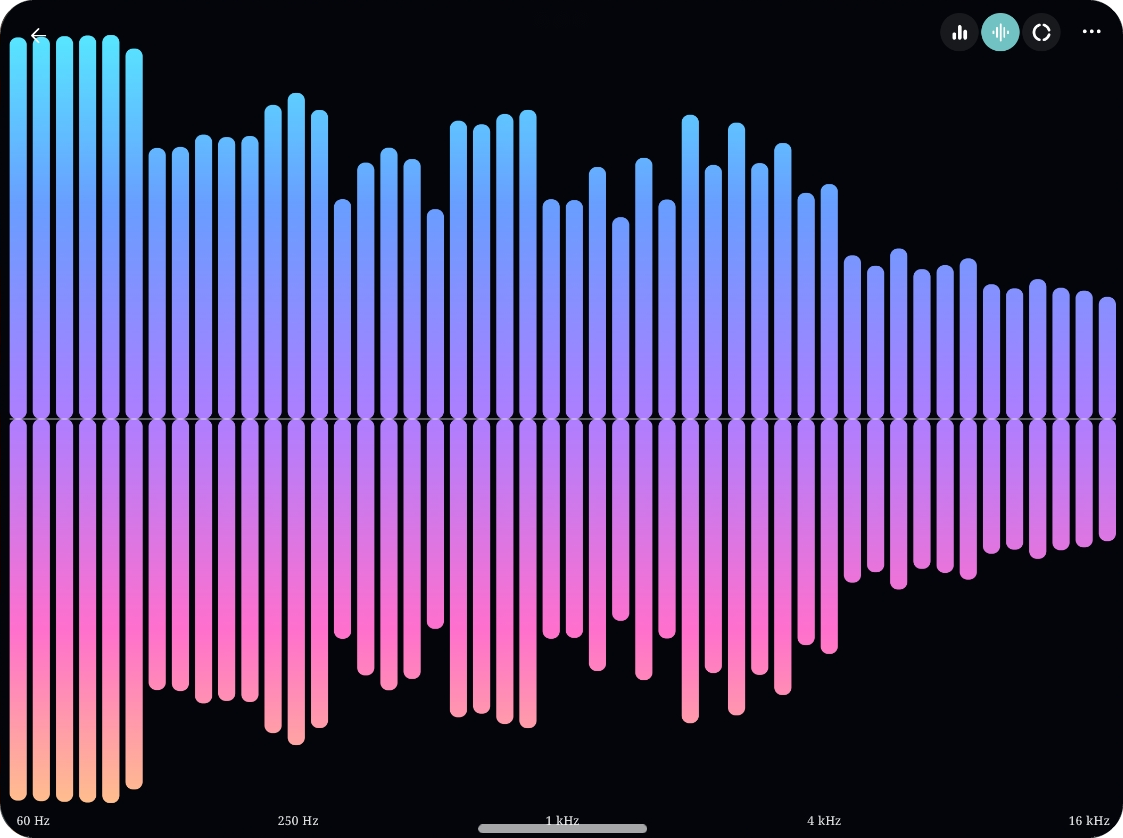
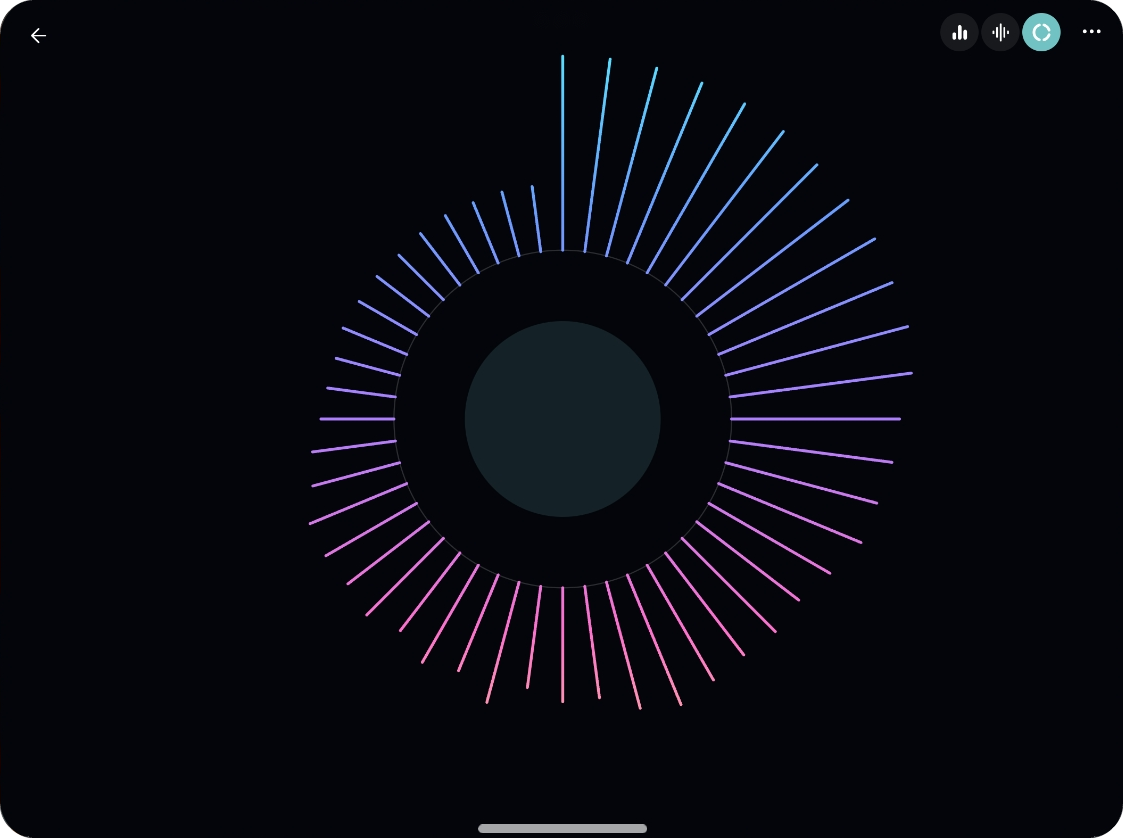
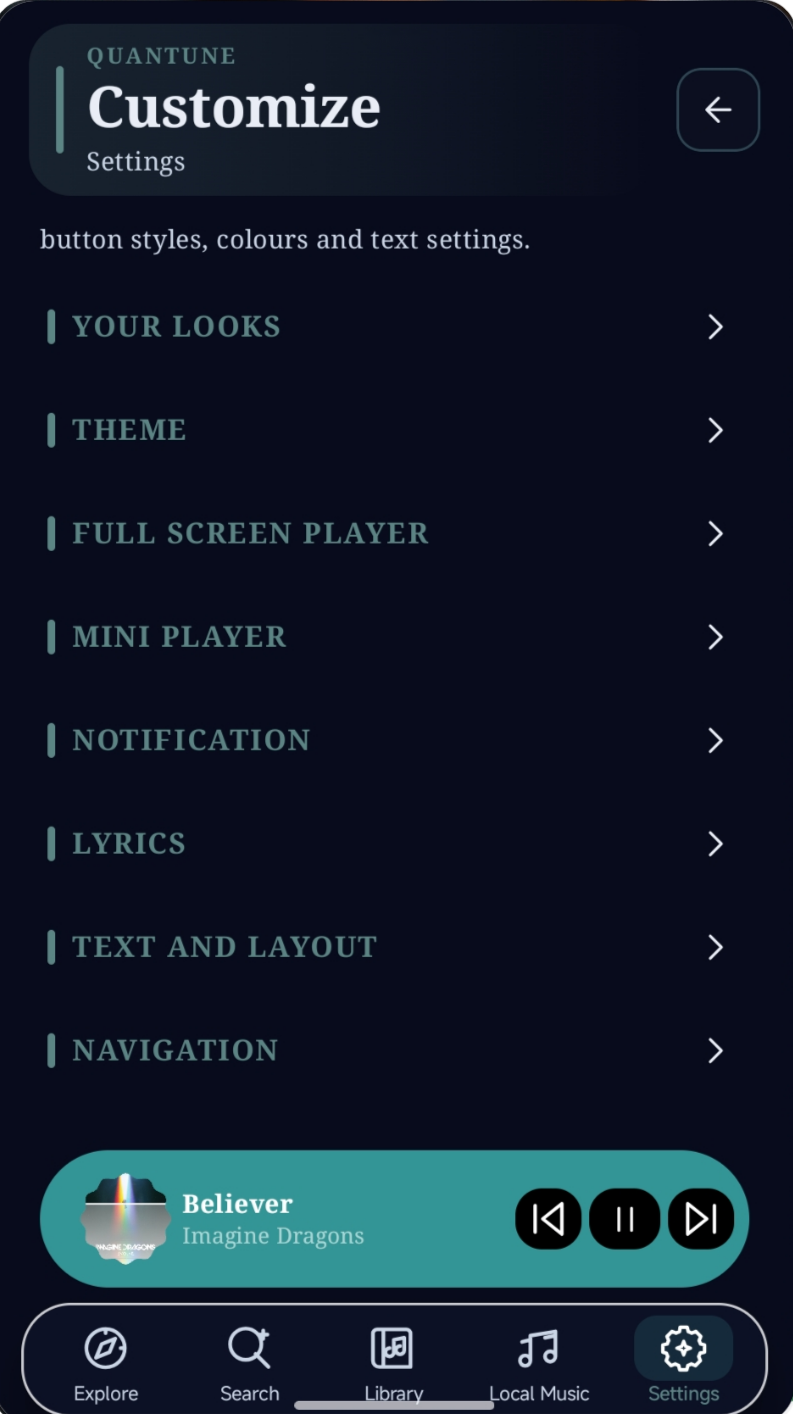
Adjust player layouts, artwork, typography, colours, gestures, controls and visualizer presentation.
Configure a lyrics translation provider, model and target language. Some providers require their own API key.
Use resizable playback widgets to see track details and reach controls from your home screen.
Cache supported tracks for later listening and manage your saved music from the library.
Every image below is an actual Quantune screen. All screenshots load in the gallery by default; filters are optional.
Open full size
 Open full size
 Open full size
 Open full size
 Open full size
 Open full size
 Open full size
 Open full size
 Open full size
 Open full size
 Open full size
 Open full size
 Open full size
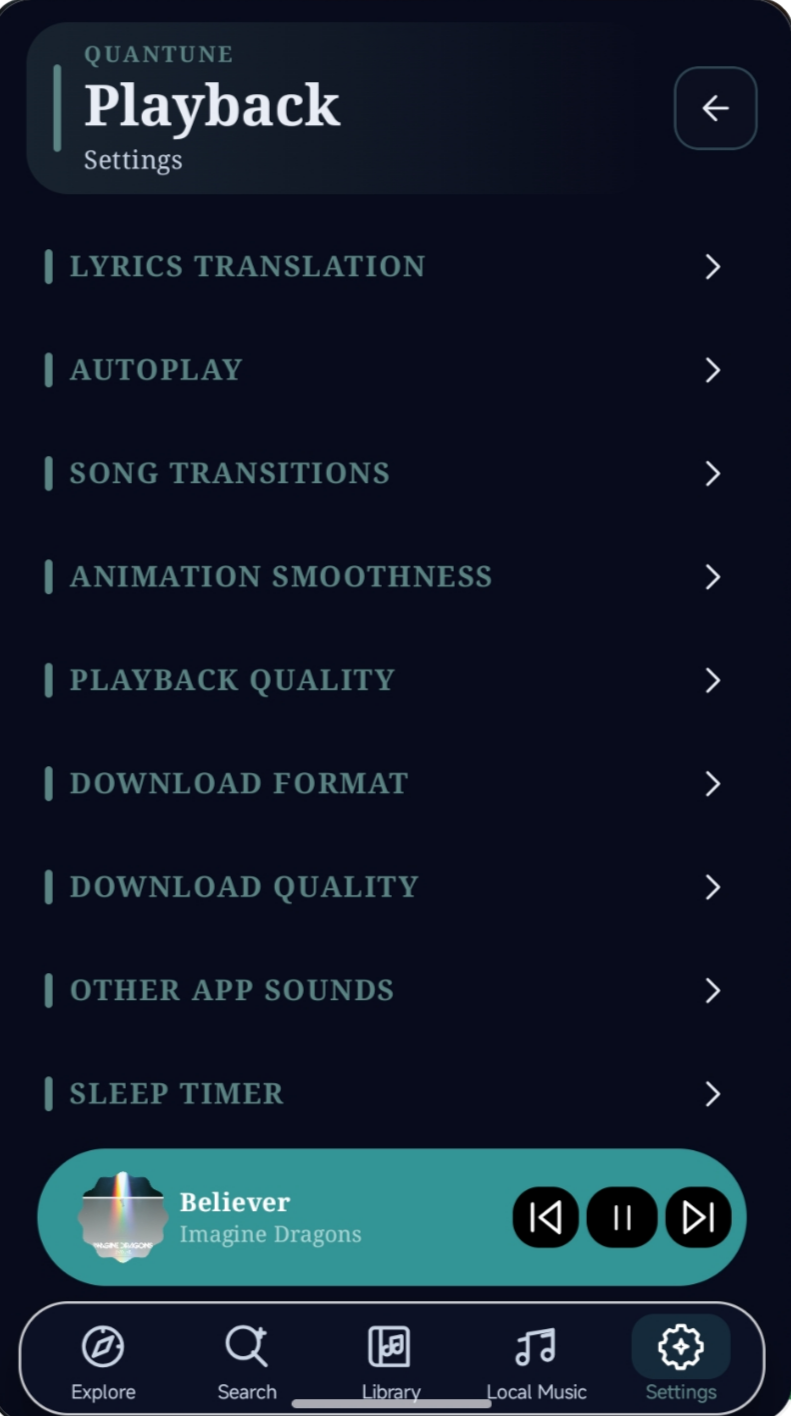 Open full size
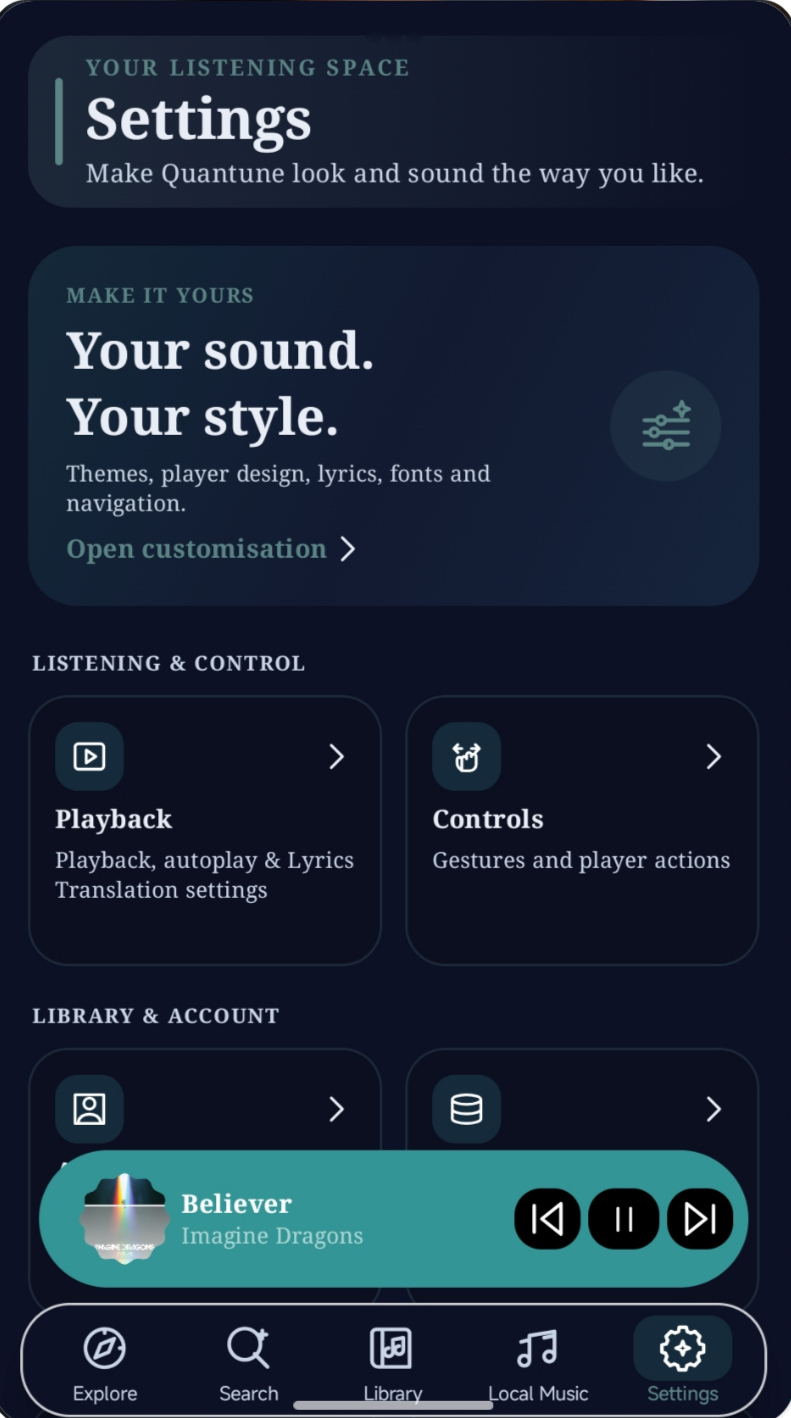 Open full size
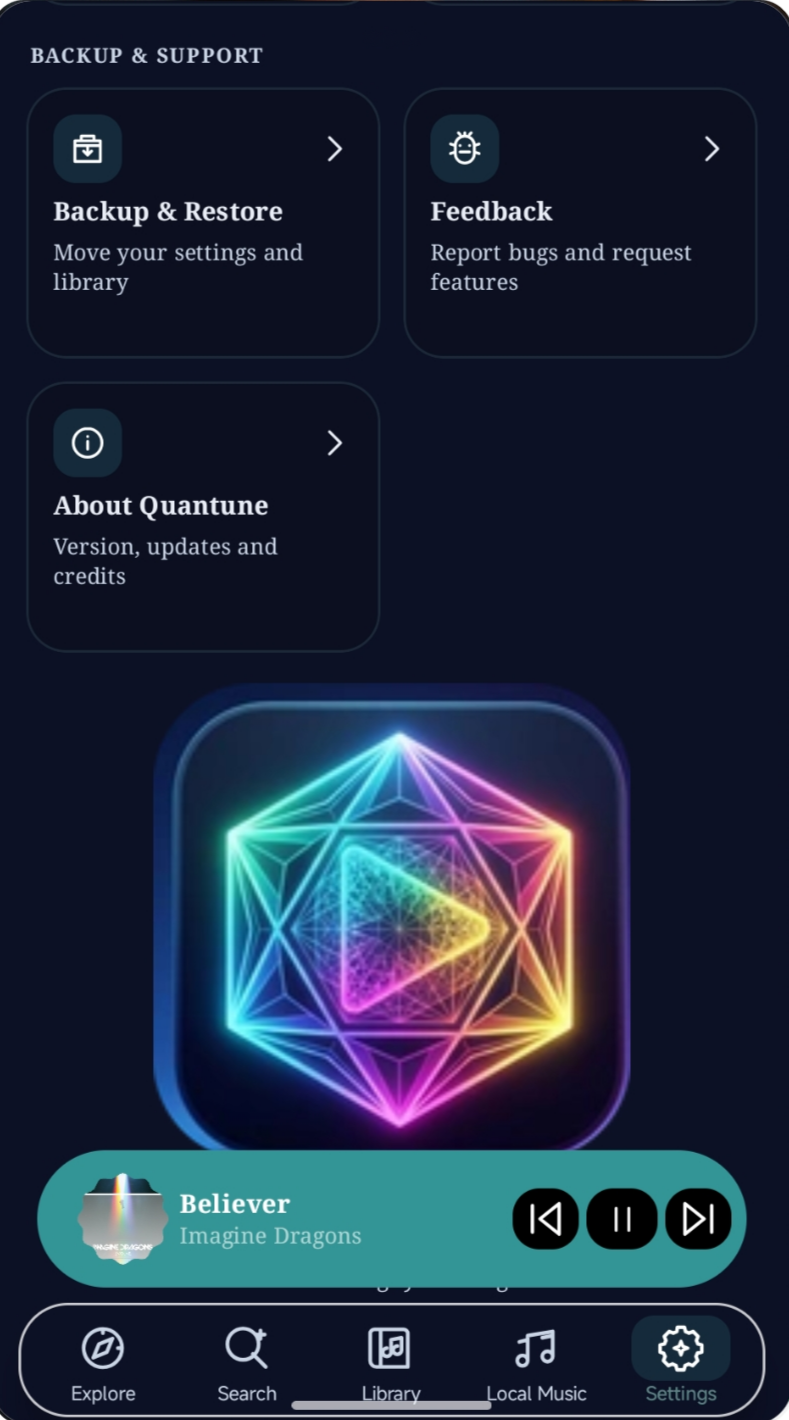 Open full size
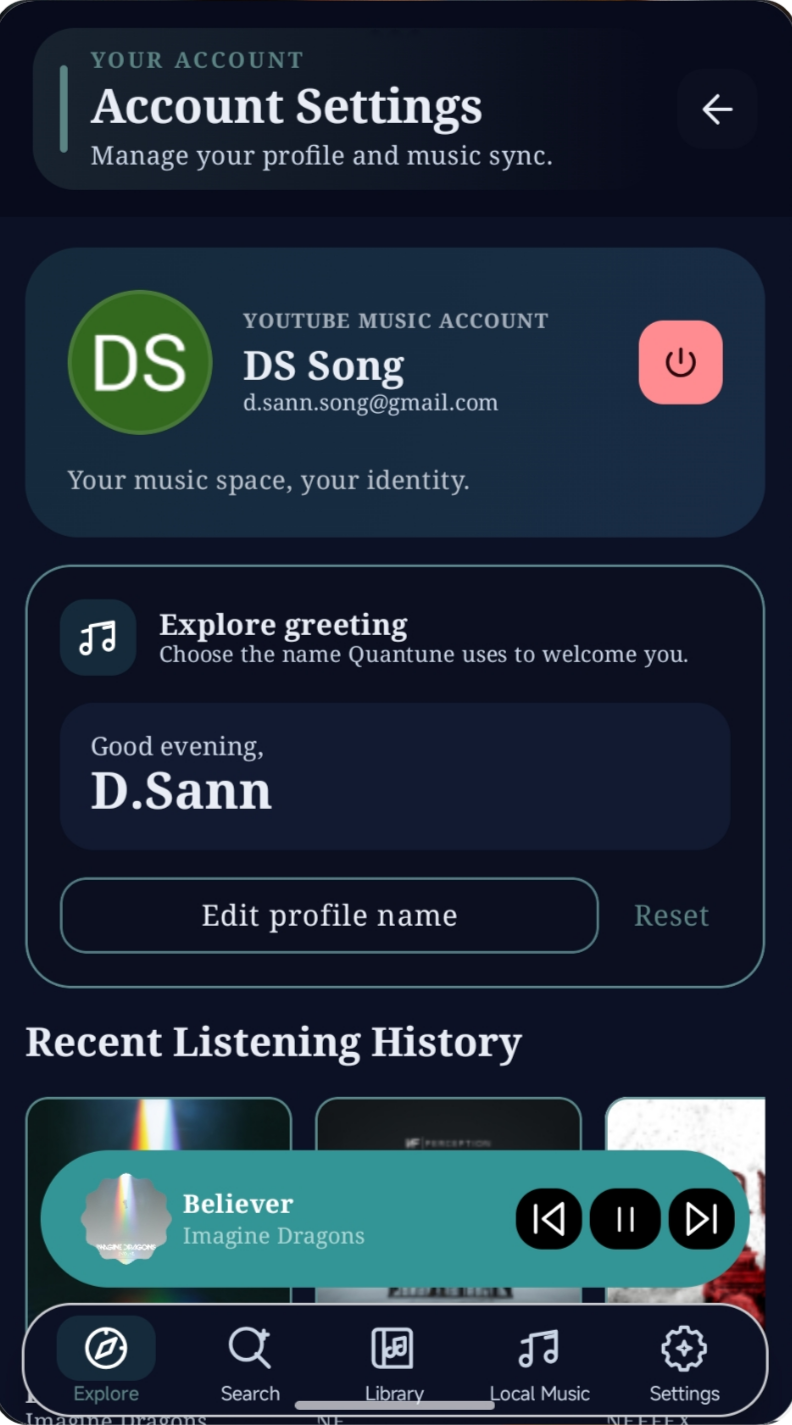 Open full size
Listen Together coordinates track information and playback state. It does not relay the host's audio to other devices; each participant resolves and plays the shared track on their own device.
Download the latest published Android release. Choose Universal ARM if you are unsure which supported architecture your device uses.
Includes both supported ARM architectures. The simplest choice for most ARM Android phones and tablets.
↓ Download APKSHA-256 checksumFor 32-bit ARM Android devices using the armeabi-v7a architecture.
For 64-bit ARM Android devices using the arm64-v8a architecture.
Minimum Android version: 6.0 (Marshmallow). These packages support ARM devices; x86 and x86_64 packages are not currently provided. Install only one variant at a time. All variants use the same application ID and release signing key.
Quantune's minimum supported version is Android 6.0 (API 23). Published APKs support ARMv7a and ARM64 devices.
No. It synchronizes track information and playback state. Each participant resolves and plays the track on their own device.
The recognition flow creates a compact audio fingerprint on the device and sends that fingerprint for matching. The raw microphone recording is not uploaded by this feature.
Yes. Quantune can browse and play supported local audio files and organize playlists, favourites and listening history.
Yes. Online music, lyrics, recognition and translation depend on third-party services and their availability. Some translation providers require their own API key or paid account.
Open a GitHub issue with your device model, Android version, Quantune release, APK architecture and steps to reproduce. Remove private information from logs before sharing.
Try Quantune, explore the source code or help improve compatibility by sharing clear feedback from your Android device.